
A video course by the creator of Rovo
Make viral
2D & 3D stories
with AI.
Design your own character, find ideas with ChatGPT, and let Claude animate 2D and 3D reels for you. 50 short animated lessons, taught by Rovo.
80M+ Instagram views in 30 days
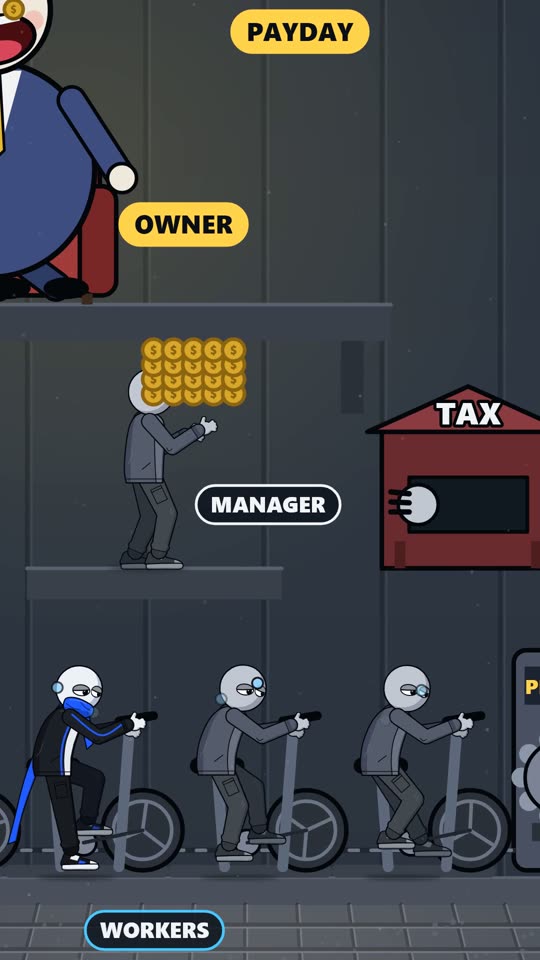
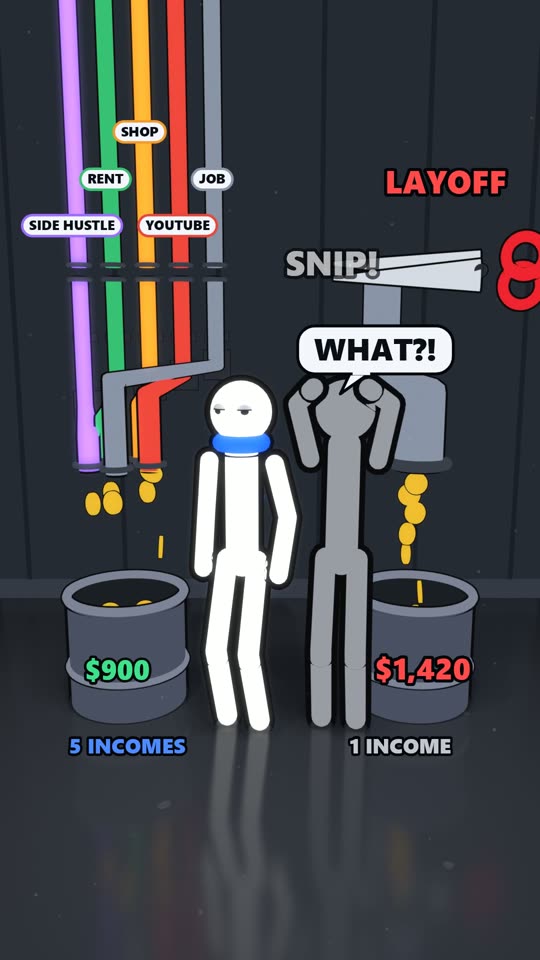
Same Team. Different Boss. 32M views on Instagram
The Rovo pages in numbers
- Instagram views in 30 days
- 80M+
- Facebook views in 28 days
- 70M+
- TikTok views in 7 days
- 30M+
- Facebook followers
- 102K+
- Instagram views on one reel
- 32M
Numbers from the Rovo pages' own dashboards, November 2026. Views are not money, and this course does not promise income.
Made by the page behind Rovo
The first Rovo reels went up on 3 October 2026. After a sketch in ChatGPT and three weeks of flat numbers, one change of topic to work and money stories took the page to tens of millions of views. Every reel below was made with the workflow in this course.
View counts as reported by Instagram. Tap the speaker on a reel to hear it.
Rovo teaches every lesson
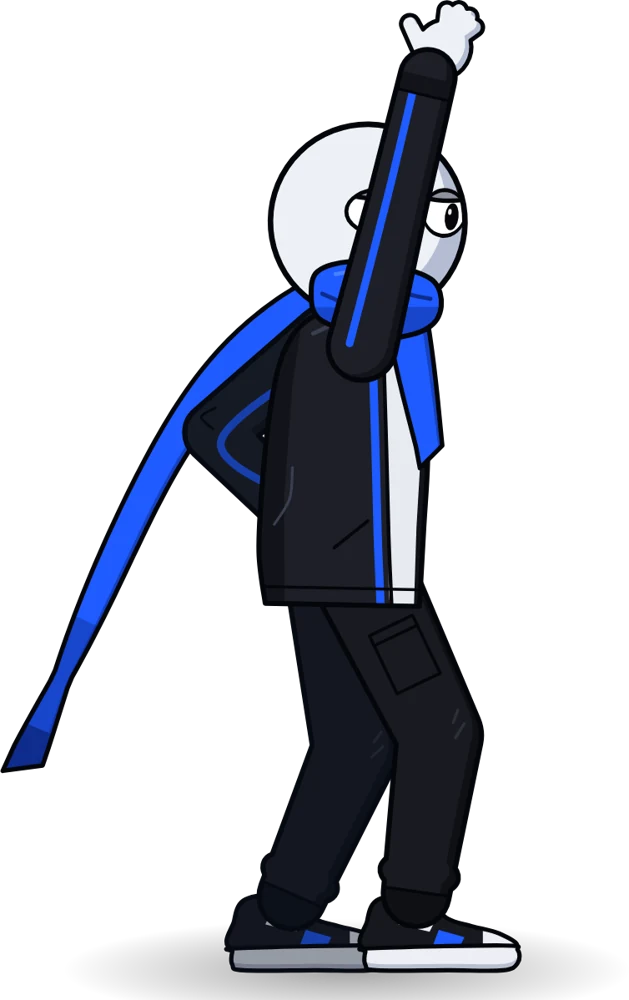
Rovo, the animated character, teaches every lesson. The whole course is 2D animation, made with the same workflow it teaches.
- 50 short lessons in 12 modules, about 51 minutes
- Real dashboards, real prompts and real working sessions
- One clear action at the end of every module
- A full case study of the 32M-view reel, version by version
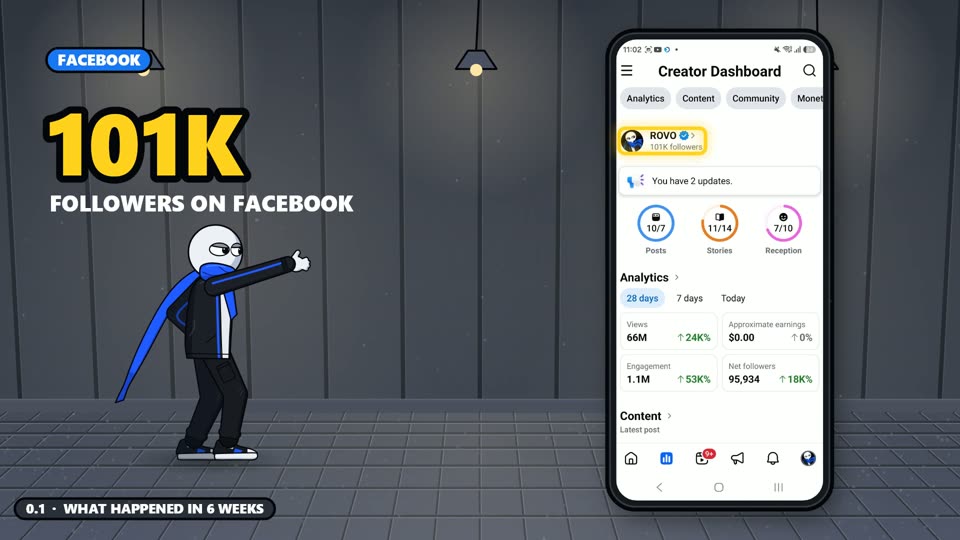
0.1 What happened in 6 weeks 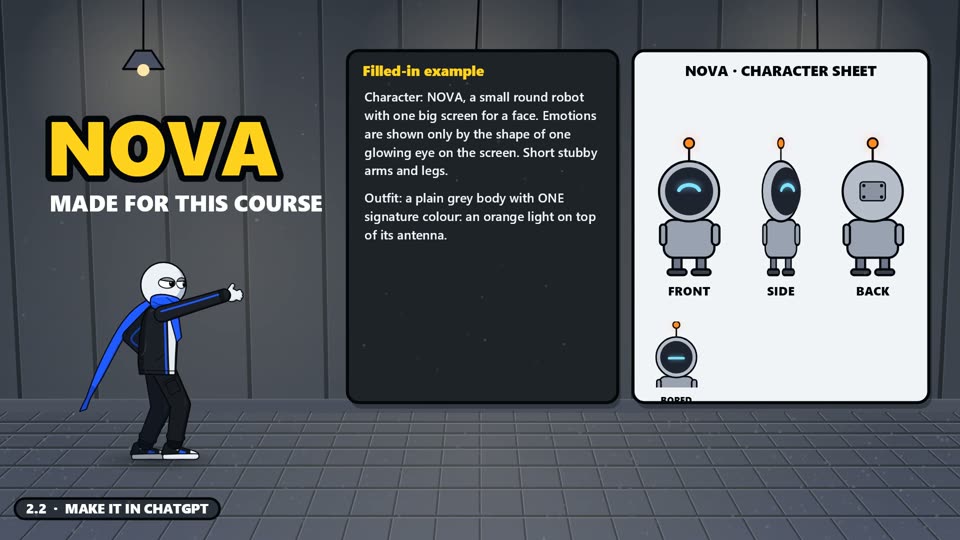
2.2 Make your character in ChatGPT 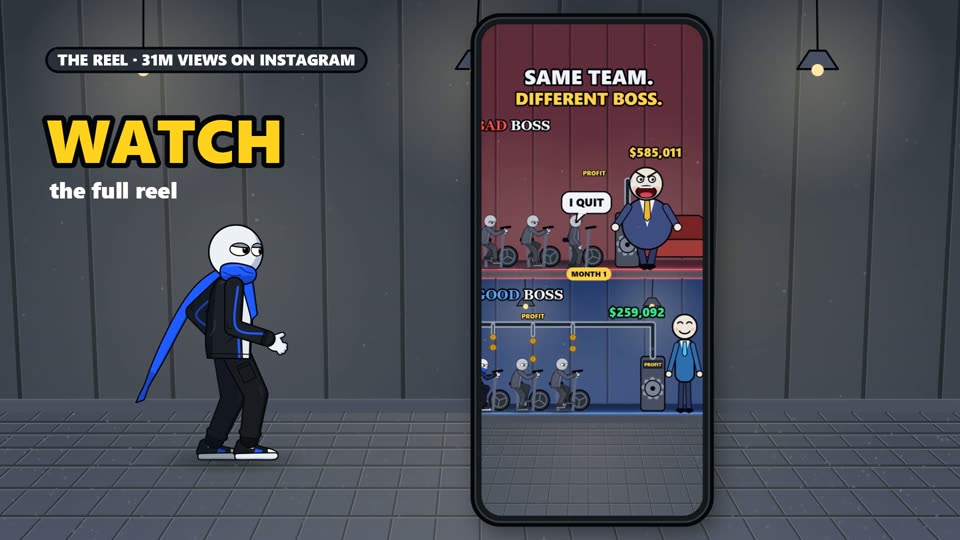
4.1 The formula 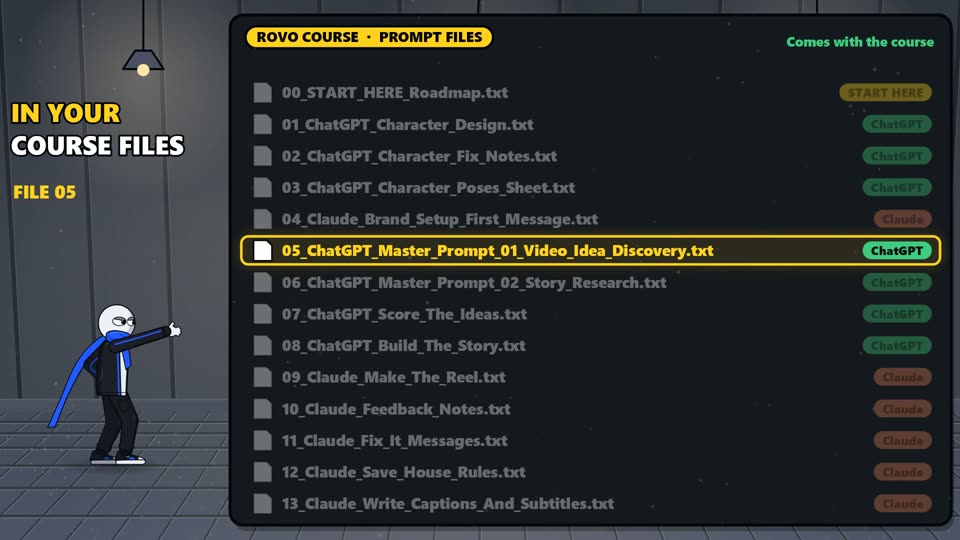
4.7 Research: from Instagram to ChatGPT 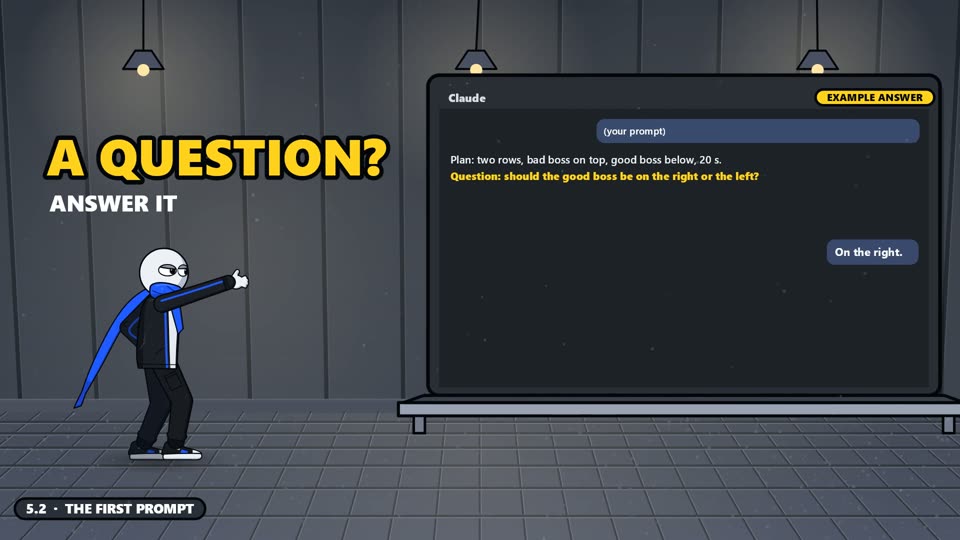
5.2 The first prompt 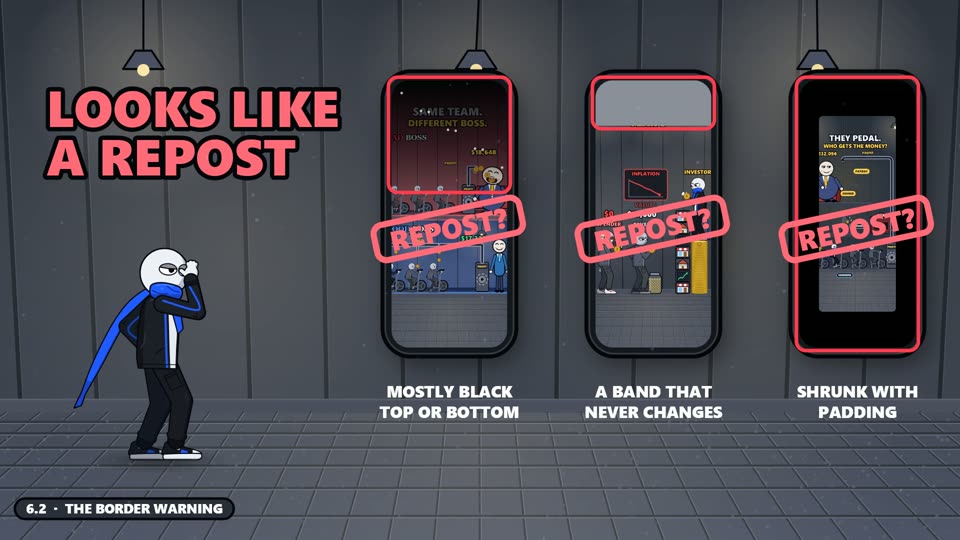
6.2 The border warning 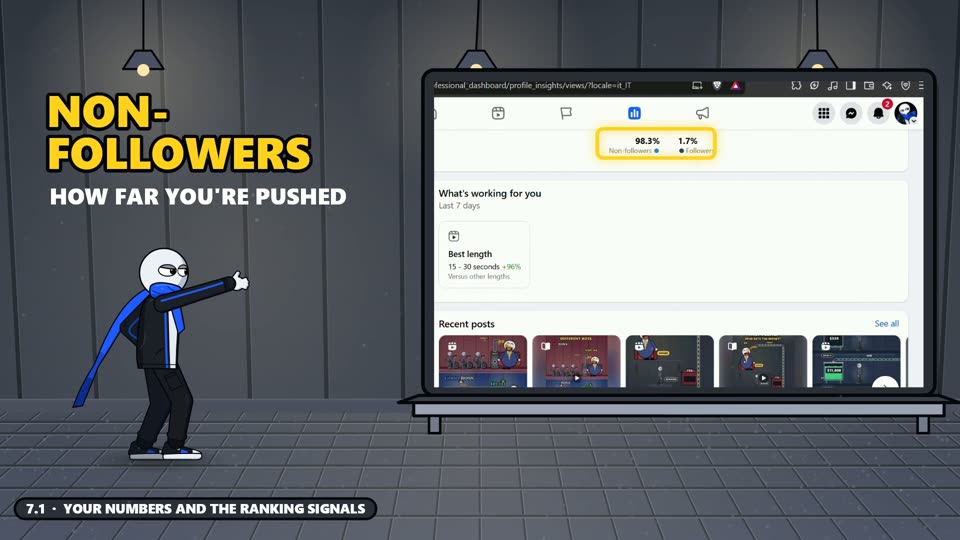
7.1 What the platforms reward 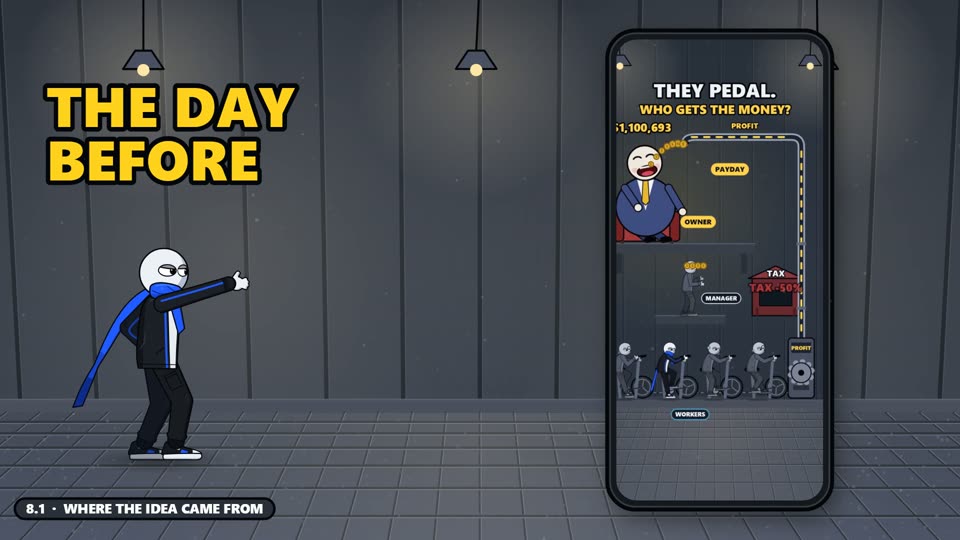
8.1 Case study: Same Team. Different Boss.
What you'll be able to do
A character people remember
Design your own character in ChatGPT, lock its look, and give it a name, colours and a bio.
Ideas that already spread
A simple formula, a research routine on Instagram, and two master prompts that turn it into 20 ranked ideas.
Reels made with Claude
Set up Claude once, write the first prompt, give feedback that works, fix what goes wrong, and make 3D reels with Blender.
Posting that doesn't get you flagged
Captions for every platform, subtitles, and how to avoid Facebook's "your video has a border" problem.
Reading your numbers
What the platforms reward, originality and AI labels, and a weekly review that tells you what to make next.
A daily system
The seven mistakes that kill reach, your first seven days, and how to make two reels a day.
The curriculum
12 modules and 50 lessons, about 51 minutes in total. Each module ends with one thing to do before you move on.
Module 0Welcome2 lessons
- 0.1What happened in 6 weeks
- 0.2What this is, and what you need
Your turn: Write down why you want this, and block 30 minutes a day in your calendar.
Module 1My journey6 lessons
- 1.1Day 1: a sketch in ChatGPT
- 1.2Building my home
- 1.3Three weeks of silence
- 1.4The pivot
- 1.5The explosion and the warning
- 1.6What worked, what flopped
Your turn: Keep the flat graph from lesson 1.3. You'll need it in week 2.
Module 2Your character3 lessons
- 2.1Why a character, and the 4 rules
- 2.2Make it in ChatGPT
- 2.3Name, colours, bio
Your turn: Generate and lock your character sheet: front, side, back, expressions, poses.
Module 3Your pages2 lessons
- 3.1Four doors, one video
- 3.2Your profile checklist
Your turn: Create all four profiles with the same handle, face and bio.
Module 4Viral ideas9 lessons
- 4.1The formula
- 4.2What flops, and series
- 4.3Study formats, don't copy
- 4.4Plan before you build
- 4.5Ten ideas that already worked
- 4.6The first three seconds
- 4.7Research and ideas: from Instagram to ChatGPT
- 4.8Text on screen
- 4.9Voice or no voice?
Your turn: Write 10 ideas and check each one against PAIN + GROUPS + SYSTEM + PAYOFF.
Module 5Make it with Claude7 lessons
- 5.1Setup
- 5.2The first prompt
- 5.3Feedback that works
- 5.4House rules
- 5.5When something goes wrong
- 5.6The look: 2D or 3D?
- 5.7A real session, minute by minute
Your turn: Make your first reel: plan table, still frame, video, one round of feedback.
Module 6Post it right4 lessons
- 6.1Captions and posting
- 6.2The border warning
- 6.3A full caption, for every platform
- 6.4When to post, and how often
Your turn: Post your first reel with a real caption, subtitles and Facebook sharing on.
Module 7What the platforms reward3 lessons
- 7.1Your numbers and the ranking signals
- 7.2Originality and AI labels
- 7.3Your weekly review: a real example
Your turn: After 7 days, write down your top 3 reels and what they have in common.
Module 8Case study: Same Team. Different Boss.5 lessons
- 8.1Where the idea came from
- 8.2The plan
- 8.3Five versions in one day
- 8.4Posting, and why it exploded
- 8.5What came next: the series continues
Your turn: Take your best reel and make a second version in the same world.
Module 9Money3 lessons
- 9.1Views are not money
- 9.2YouTube, TikTok, brands, your own product
- 9.3What to do now, before the money
Your turn: Open the monetization screen on each platform and write down your next missing step.
Module 103D reels with Blender3 lessons
- 10.1Your 3D studio
- 10.2How a 3D reel gets made
- 10.3The 3D look, and the rules
Your turn: Open a new Claude session named "3D", install Blender, and render one test frame of your character.
Module 11Your daily system3 lessons
- 11.1Seven mistakes that kill reach
- 11.2Your first 7 days
- 11.3Two reels a day, and goodbye
Your turn: Pin the 7-day plan on your wall and start Day 1 today.
What you get
Video lessons in a Google Drive folder. After checkout, Shopify sends you a ZIP with a START-HERE guide and the course link.
- START-HERE guideYour Google Drive course link and the first steps.
- 50 animated video lessons12 modules, about 51 minutes, in a Google Drive folder, plus the full course as one video. Every module ends with one clear action step.
- 16 prompt filesEvery prompt from the course as a titled text file, including the two master prompts for idea discovery and story research, and the two 3D prompts.
- 8 Claude skillsCharacter brand lock, reel planner, animated reel maker, feedback fixer, border check, captions, weekly review and 3D reels with Blender, with an install guide.
- 2D and 3D starter kitsA tested 2D starter script, a Blender starter scene for 3D, and guides for turning your character sheet into a character that can move.
- Workbook and 7-Day PlanA START HERE guide, eight fill-in sheets (formula scorecard, plan table, checklists, weekly review) and a 7-Day Plan to print.
What you need
- A computerWindows or Mac.
- Claude, on a paid planThe Claude desktop app works inside a folder on your computer and renders the video. The creator uses Pro.
- ChatGPTFree or paid. Used for your character and for ideas.
- Python and ffmpegFree tools. Claude tells you what it needs and installs them with your OK.
- Blender (optional)Free, only for 3D reels. Claude installs it with your OK; you never have to open it.
- A phoneWith Instagram and Facebook. TikTok and YouTube are optional.
AI subscriptions are paid to those companies and are not included in the price.
A good fit if
- You want a faceless page built around your own cartoon character.
- You're a beginner at animation and want a step-by-step system.
- You're willing to post, read your numbers and keep improving.
Not a fit if
- You want guaranteed views or income. Nobody can promise that.
- You want to repost or copy other people's videos.
- You don't want to use AI tools, or can't use a paid Claude plan.
How you get the course
- 1
Check out
Click Get the course and pay on Shopify's secure checkout.
- 2
Download
Shopify gives you the course ZIP on the order page and by email.
- 3
Open START-HERE
It has your Google Drive course link and the first steps.
- 4
Watch lesson 0.1
Then follow the modules in order and do each action.
One price for the whole course
One-time payment. Taxes are calculated at checkout.
Learn With Rovo
- 50 animated video lessons
- 16 prompt files
- 8 Claude skills
- 2D and 3D starter kits
- Workbook and 7-Day Plan
- START-HERE guide with your course link
Secure checkout by Shopify.
Questions
Is this a PDF course?
No. It's a video course: 50 animated lessons taught by Rovo. The prompt files, Claude skills and starter kit come with it so you can do each step yourself.
How do I get the course after I pay?
Checkout runs on Shopify. After payment, Shopify gives you a download link (on the order page and by email) for a ZIP file. Open START-HERE.html inside it: it has the Google Drive course link and step-by-step instructions.
Do I need to know animation or coding?
No. Claude writes the animation as code and renders it on your computer. You plan the reel, check it on your phone and give clear notes. The course shows how.
Which tools do I need, and what do they cost?
A Windows or Mac computer, ChatGPT (free or paid), a paid Claude plan, and a phone with Instagram and Facebook. Python and ffmpeg are free. The AI subscriptions are paid to those companies, not included in the course price.
Will I make money?
Maybe not, and nobody can promise it. Views and income are not the same thing, and each platform decides who can earn. Module 9 explains how monetization actually works.
Will I be copying Rovo's videos?
No. The course teaches you to study formats, not copy videos, and to build your own character and your own stories. Copying hurts your reach and isn't allowed.
Is this course made by OpenAI, Anthropic or Meta?
No. Learn With Rovo is an independent course. ChatGPT, Claude, Instagram, Facebook and TikTok are trademarks of their owners.
Need help?
Email us before or after you buy. For order questions, include your checkout email and Shopify order number.